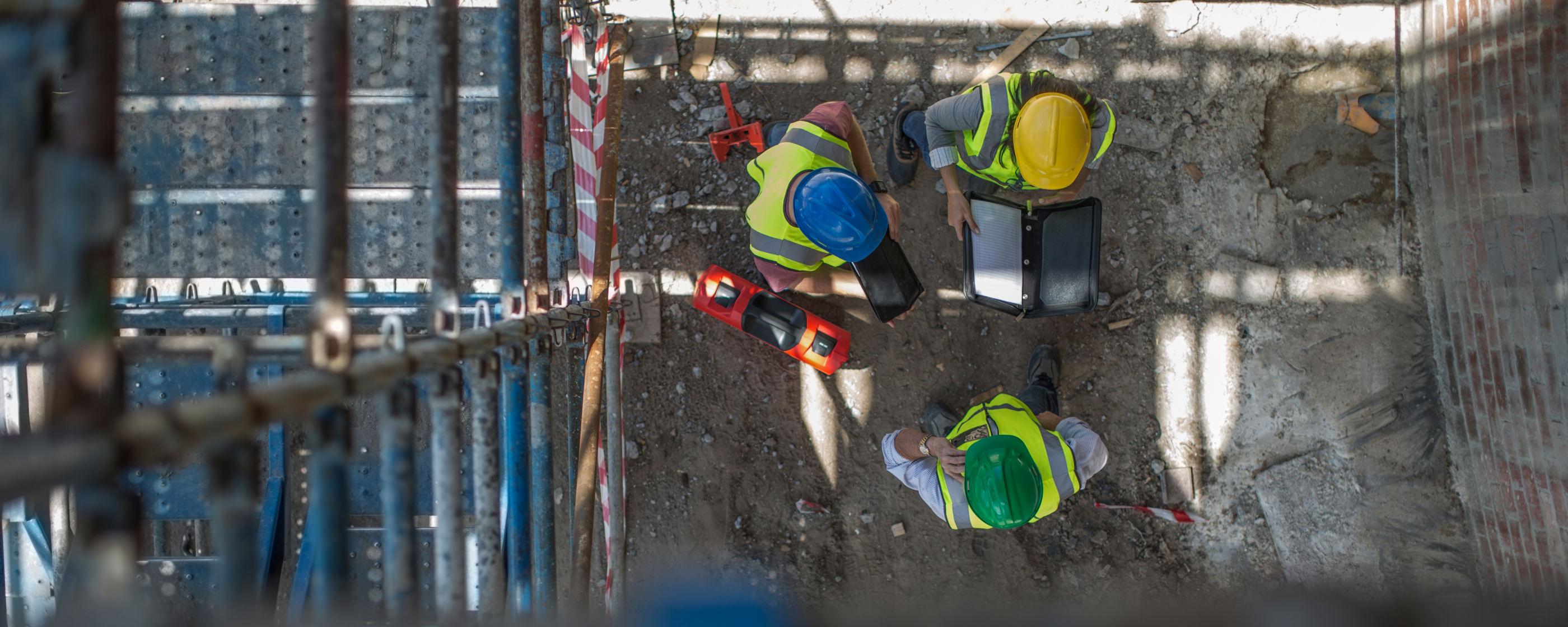
Why Context Needs To Be The Foundation Of Construction Collaboration Software
Construction projects always aspire to have a high level of collaboration. Achieving it, however, depends on the thousands of interactions taking place throughout delivery remaining easily understood and traceable at any given moment of any given day.
Every day documents are reviewed, drawings are revised, tasks are completed, permits are approved or rejected, and critical decisions are made. None of these activities exist in isolation. They sit within a broader chain of events. Multiple parties as consulted, alternatives are considered, files are shared, and actions are taken.
Over time, managing those relationships can become incredibly difficult, especially when the information is fragmented across apps, paper, and word of mouth.
For example:
- An updated drawing shows that a change was made, but not why the change was required or who approved it.
- A photo can show a roped off area but not the hazard that prompted the safety measure or how it’ll be rectified.
- A closed defect shows that corrective action was taken, but not who carried it out or who confirmed it was complete.
Achieving a high level of collaboration becomes far easier when project activity is captured with its full context. It's vital to be able to work from the same documents and mark them up in one place, that's the bare minimum. Many platforms support that. The difference is how effectively they preserve and connect the information surrounding each activity. Being able to log in at any moment of the day and trace every action with complete context, that's the big differentiator between collaboration features and collaboration software.
COLLABORATION FEATURES vs. CONSTRUCTION COLLABORATION SOFTWARE
Collaboration features help people share, review, and update information: emails, drawing markup tools, shared drives, etc. Construction collaboration software takes this a step further by connecting those interactions to the decisions, actions, and processes surrounding them from preconstruction to handover.
A simple way to distinguish the two is whether someone can understand a decision or event without having to reconstruct it manually.
That usually means being able to answer questions such as:
- What prompted the issue or decision?
- Who was involved?
- What documents were uploaded?
- What time did updates happen?
- What changed as a result?
- What work was affected?
- What follow up actions were required?
And do so within minutes.
Those answers may be readily available when the people involved are still working closely together. The challenge comes weeks or months later, when a detail needs to be revisited. What happens when meeting minutes are misplaced and a key detail is difficult to recall? Or when a project participant leaves and important information sits within their emails or personal drives? Can the full sequence of events still be understood without wasting hours piecing it together?
These scenarios are all too common and not a reflection of an organisation's commitment to collaboration. More often, they're the result of technology designed to coordinate a single digital process instead of unifying operations as a whole.
THE SIGNS OF GOOD CONSTRUCTION COLLABORATION SOFTWARE
DEPTH THAT GOES BEYOND STANDALONE TOOLS
There's an important distinction between breadth and depth that's frequently misunderstood. Breadth is the feature piece; it ticks off core functions. Depth ensures each feature is capable of supporting the realities of construction delivery, without workarounds.
Collaborative tools are a good example of breadth. Document storage, drawing collaboration, and task management boards are tools that allow multiple people to work together.
But depth is what allows participants to work from the same document version, see feedback, contribute changes, and follow its progression without questioning the details. There should be no uncertainty about whether a drawing has been superseded, no confusion if all the required persons have reviewed, and no time wasted commenting on (or building from) an outdated version.
But it extends far beyond documents. The same principles apply across safety, quality, site access, logistics, and every other process that requires multiple people to contribute.
For example, a permit approver should be able to immediately verify that the worker being signed onto the activity has completed the latest induction and signed the current safety plan. They shouldn't need to rely on one record to confirm the induction, another system to confirm the safety plan, and a conversation with the site manager to fill in the remaining details. It should all be built into the same construction collaboration system.
Everything needs to be connected across operations, and that continuity depends on collaboration being native to the platform. When both breadth and depth come together in a unified environment, they provide a much richer picture of end-to-end operations and an invaluable thread of information weaving throughout.
EASY ADOPTION FOR CONSISTENCY OF USE
The best process on paper is worth very little if people avoid following it. Construction software has to work for the people completing tasks on site, where speed, familiarity, and ease of use have a direct impact on whether they engage with it at all.
Having a cohesive user experience across all operational activities helps reduce friction. When subcontractors and supply chain can complete core activities through a familiar, intuitive interface, adoption becomes easier to maintain. Naturally, the more consistently the platform is used, the more effectively individuals can collaborate.
STANDARDISED COLLECTION OF INFORMATION
Common standards, whether at a project or organisation level, determine if information carries the same meaning for everyone involved and if it’s recorded in a uniform way. If one contractor names files using abbreviations while another uses complete words and underscores, or one categorises safety events using a three-level severity scale while another uses five, the same information becomes difficult to compare, and very quickly everyone is working from a different understanding.
Configured templates, required fields, standard categories, and controlled processes take some of that variation out of the equation, providing a consistent basis for working together.
REDUCE MANUAL ADMIN BURDEN
Project personnel shouldn't have to repeatedly compile registers, reconcile records, or search across multiple systems to answer straightforward questions. Repeated across hundreds of files, those administrative steps consume a sizeable amount of time that could be spent contributing to delivery and increase the potential for human error and inconsistent information.
Real-time registers, automated review processes, and live reporting ensure questions about project status, compliance, and progress can be able to be answered instantly.
TURN PROJECT DATA INTO ORGANISATIONAL INTELLIGENCE
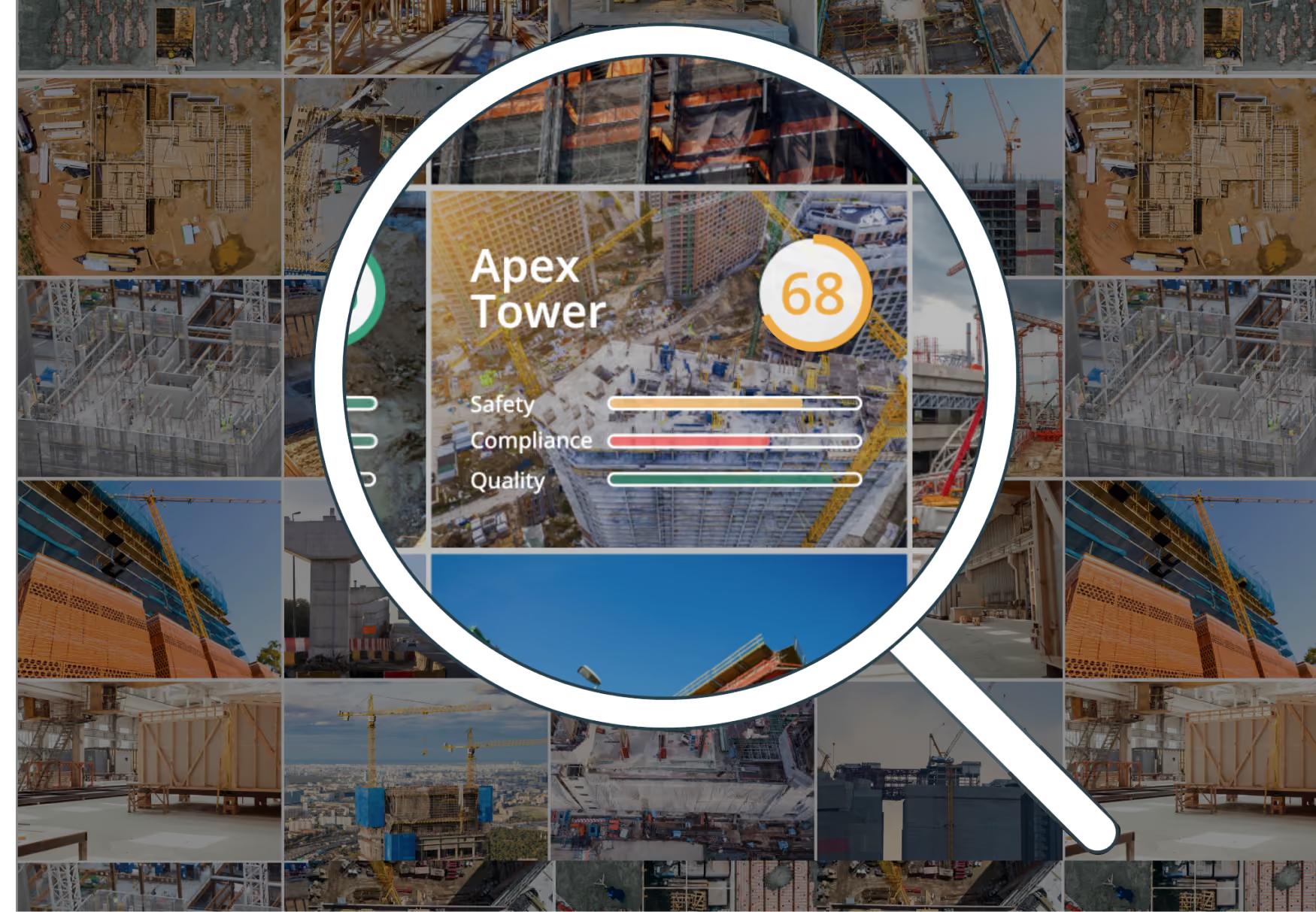
A single defect tells the organisation what happened once. Fifty similar defects across several projects start to say something much more useful. The same is true for recurring safety observations, workhour reporting, and incomplete tasks.
Viewed across a portfolio, project data can reveal recurring issues and emerging trends that no single record could show. The more consistently information is captured and connected, the easier it becomes to identify patterns that would otherwise go unnoticed.
WHAT TO TEST BEFORE SELECTING A PLATFORM
Feature lists can make platforms look remarkably similar. The real differences emerge when the software is tested against the way projects are delivered, governed, and reported.
Ask vendors to demonstrate realistic project scenarios, then assess:
- Process depth: Test a complete process from start to finish, such as reviewing a document, completing an inspection, managing a permit, or escalating an overdue action.
- Configuration: Determine whether project structures, approval pathways, contractor arrangements, and company standards can be configured without ongoing vendor support.
- Site usability: Involve the people who’ll use the software during delivery. Actions should remain quick and intuitive when completed repeatedly from site, not just during a controlled demonstration.
- Portfolio reporting: Check whether information from different projects can be examined collectively without manually compiling separate reports.
- Data ownership: Establish how records can be accessed, retained, and exported when a project finishes.
CONTEXT IS WHAT TURNS ACTIVITY INTO COLLABORATION
Construction collaboration software should be assessed on how effectively it preserves the context surrounding project activity. The strongest platforms connect information, decisions, actions, and processes in a way that remains reliable as delivery progresses, participants change, and the volume of information increases.
Collaboration doesn't end when a document is issued, a task is closed, or a permit is approved. Its value depends on how easily people can understand the activity that took place before, during, and after those events.
That is where construction collaboration software delivers the greatest benefit: preserving the context needed to understand what happened, why it happened, and what happened next.
Frequently Asked Questions
What is construction collaboration software?
Construction collaboration software connects the activities, decisions, records, and processes surrounding project delivery in a unified environment. While collaboration features may help people share information, true construction collaboration software preserves the relationships between documents, actions, communications, and the wider project activity surrounding them, making it easier to understand what happened, why it happened, and what happened next.
Why is collaboration important in construction projects?
Construction projects involve multiple contractors, consultants, suppliers, and stakeholders working together across long delivery periods. Effective collaboration helps ensure information is shared consistently, decisions are understood, and project participants can coordinate work without unnecessary delays or misunderstandings.
What is the difference between collaboration features and construction collaboration software?
Collaboration features typically help people share and review information through tools such as document management, drawing reviews, and task tracking. Construction collaboration software goes further by connecting these activities to wider project processes, preserving the context needed to understand decisions, approvals, actions, and outcomes over time.
What should organisations look for in construction collaboration software?
Construction collaboration software should support the realities of project delivery, not just provide a long list of features. Key considerations include process depth, ease of adoption, standardised information collection, connected workflows, real-time visibility, and the ability to retain project knowledge throughout delivery and beyond.
How does construction collaboration software improve project outcomes?
By connecting information across documents, drawings, quality, safety, site access, and logistics construction collaboration software reduces manual administration, improves visibility, supports consistent standards, and helps organisations make better decisions using information captured throughout delivery.

Sign up to Simpel's Newsletter
A quick read with our latest news, blogs, recent software releases, and big company updates