Project Essentials
Project Essentials centralises the core tools needed for delivery, all shaped by the realities of modern construction.
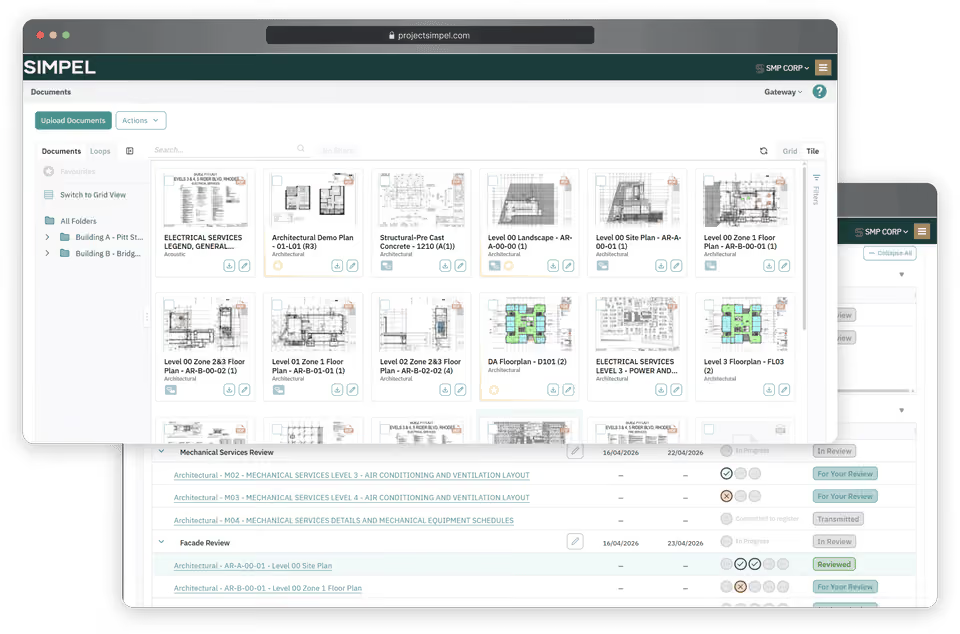

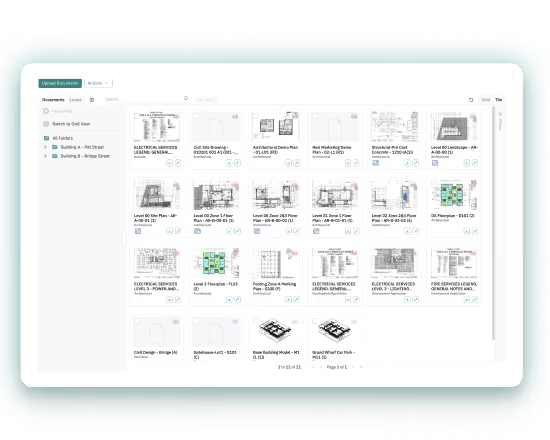
Document Management
Ensure every upload is structured and secure, building a thread that connects people, documents, and outcomes.
Experience a lighter, more fluid way to review, mark-up, and navigate documents. With one connected workspace, the move from information to action is effortless across every document and every interaction, every time.
Keep every review moving smoothly from first upload to final sign-off, with live Loop chats, real-time status tracking, and complete visibility end-to-end. Everyone knows what's done, what's stalled, and what's coming next.
Structure every upload around the rules that matter, with required fields, naming conventions, and organisation-specific data standards applied from the start, ensuring nothing enters the system incomplete or non-compliant.



Loop Reviews
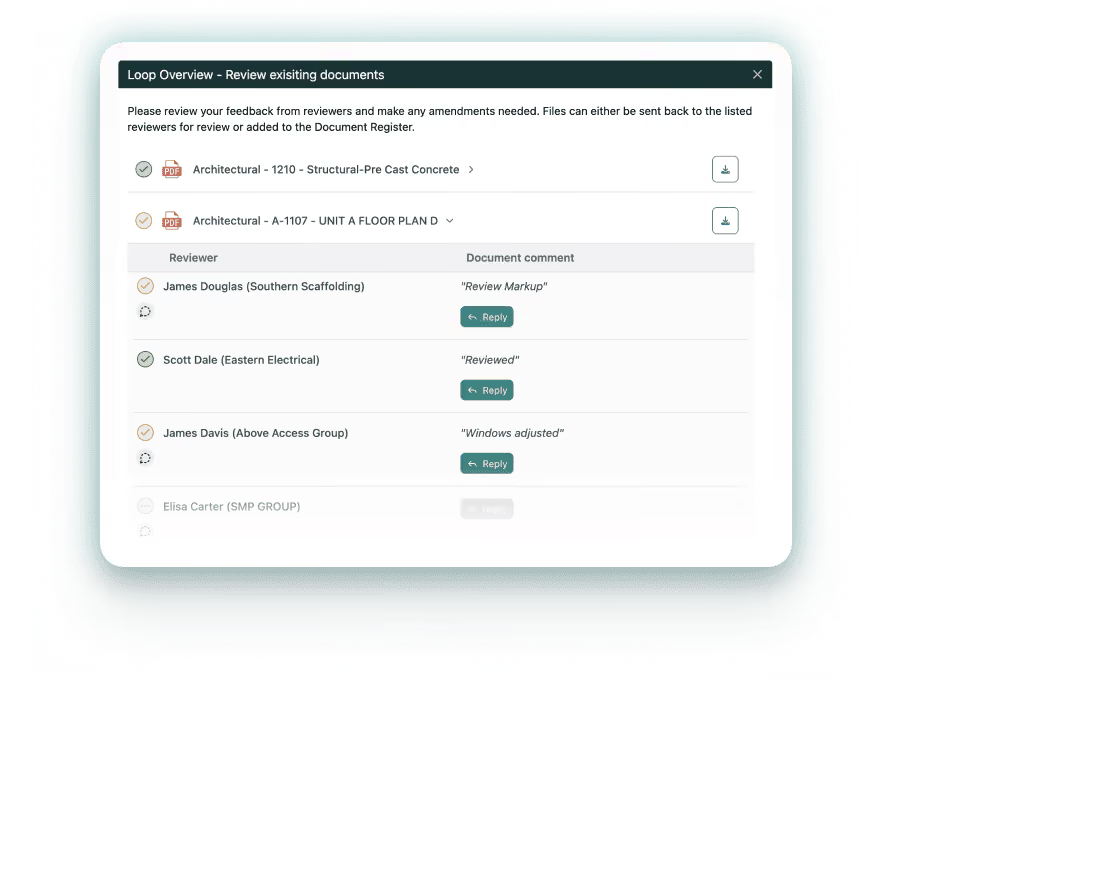
Guide drawings and documentation through review, keeping status, feedback, actions, and communications aligned and in view.
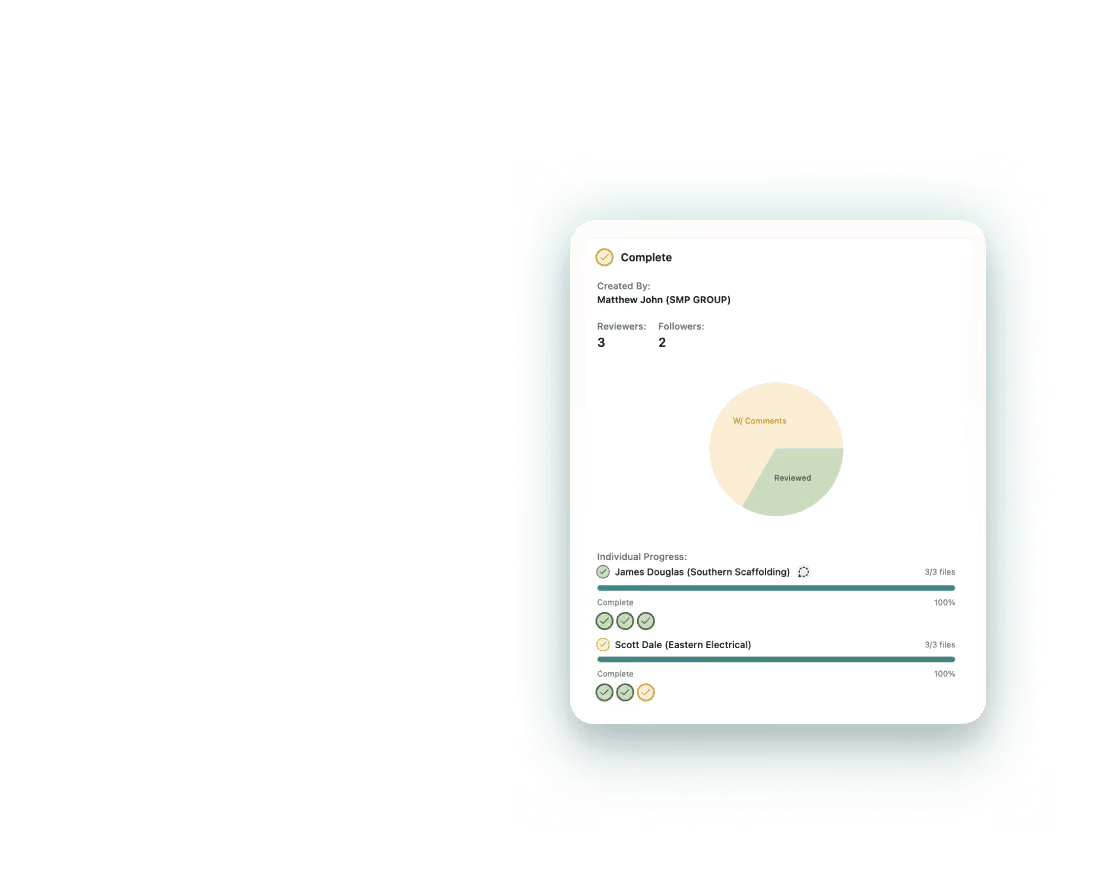
Observe the status of documents, comments, and percentage of the review that's complete, with colour-coded indicators and a progress chart for at a glance updates.
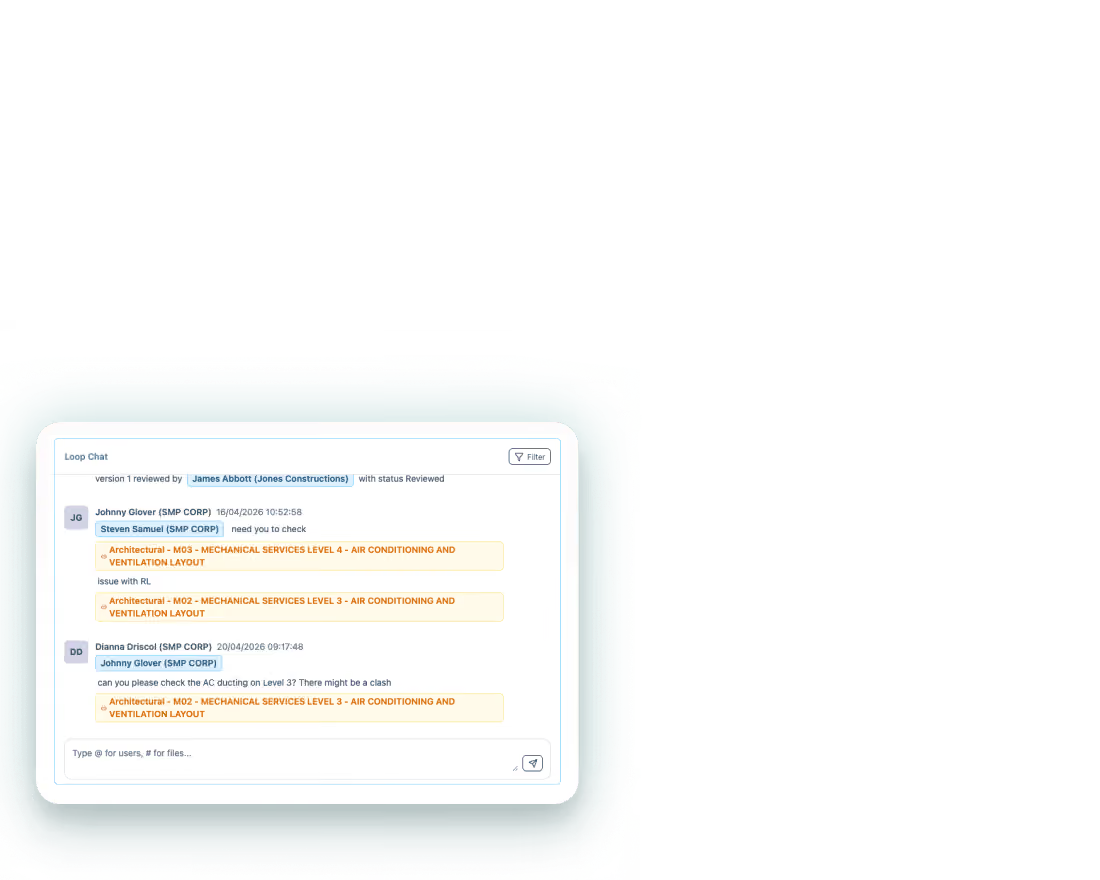
Keep reviewers connected through a live, to-the-second chat that captures comments, markups, and system updates in one place, with filters for documents, people, and review items.
Maintain momentum across reviews by allowing documents to be revised, replaced, rejected, or added to the register individually, so completed items can progress without waiting on the rest of the package.

BIM Viewer
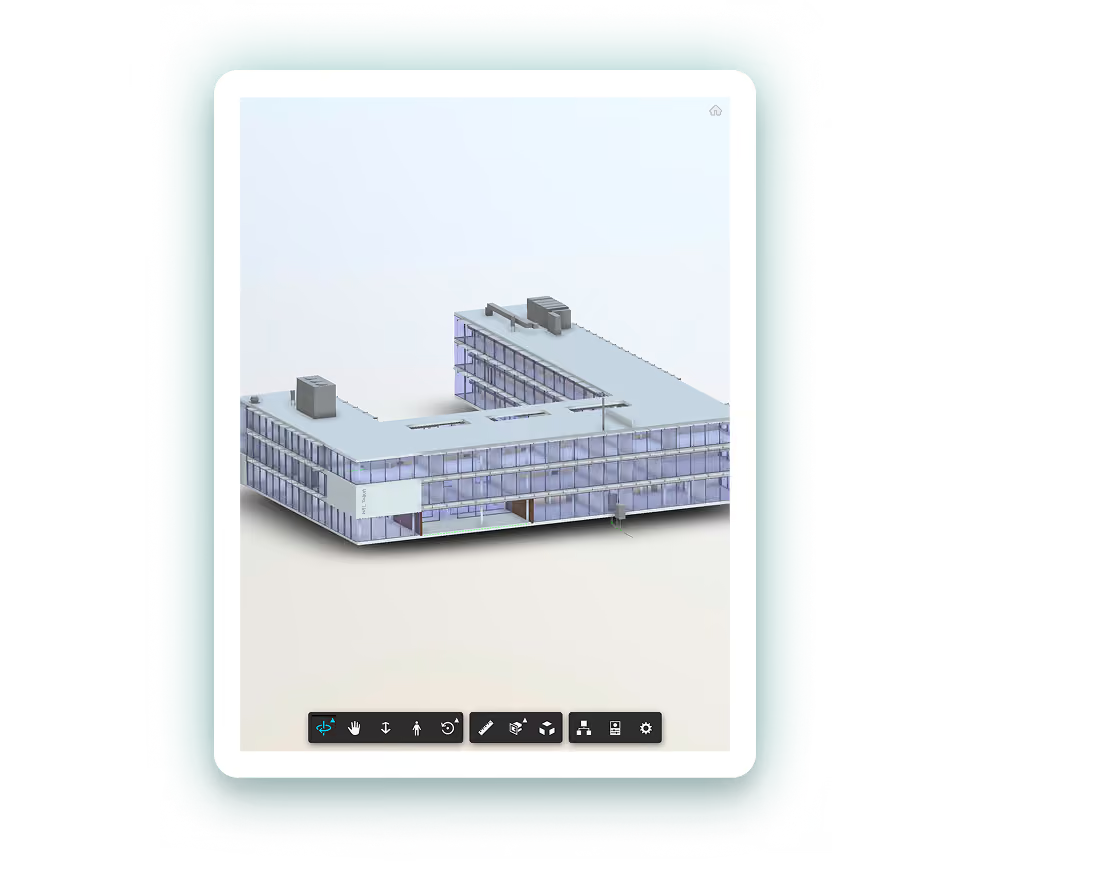
Review Revit models, CAD files, and other common formats without leaving the platform, keeping design information accessible throughout the project lifecycle.
Access Revit models and CAD files directly in the browser, giving design and site users instant model access without additional software, separate logins, or files sent back and forth.
Supersede a model in the document register and its BIM counterpart updates instantly. Version history stays intact, and everyone works from the most recent file without a second thought.
Make the right information visible to the right people, with sensitive details protected. Consultants, contractors, and site personnel each see what's relevant to their role, with access levels carefully controlled.
Drawing Collaboration
Keep sites coordinated and drawing reviews progressing with revisions compared, markups captured, and the latest version always in use.
Store drawings within a live document register that aligns site teams to the latest revision, reducing delays, duplicated work, and confusion caused by superseded versions remaining in circulation.
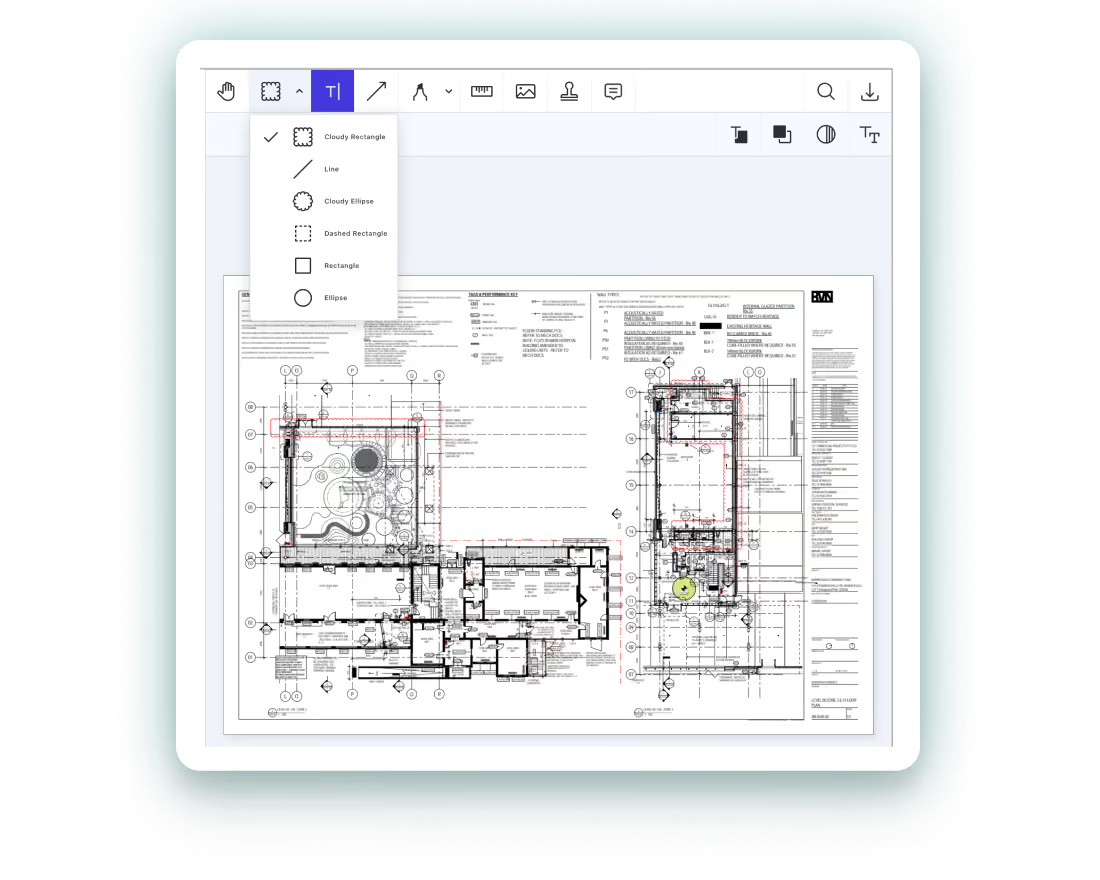
Add annotations directly against the drawing so reviewers can respond, refine feedback, and resolve issues within the same workspace, with discussions remaining tied to the work under review.
Overlay drawing revisions for comparison, using colour coding to make even the smallest additions, removals, or shifted details easier to identify between versions.

Communication & RFIs
Capture and connect inbound and outbound correspondence, creating a record that links people, projects, and organisations.
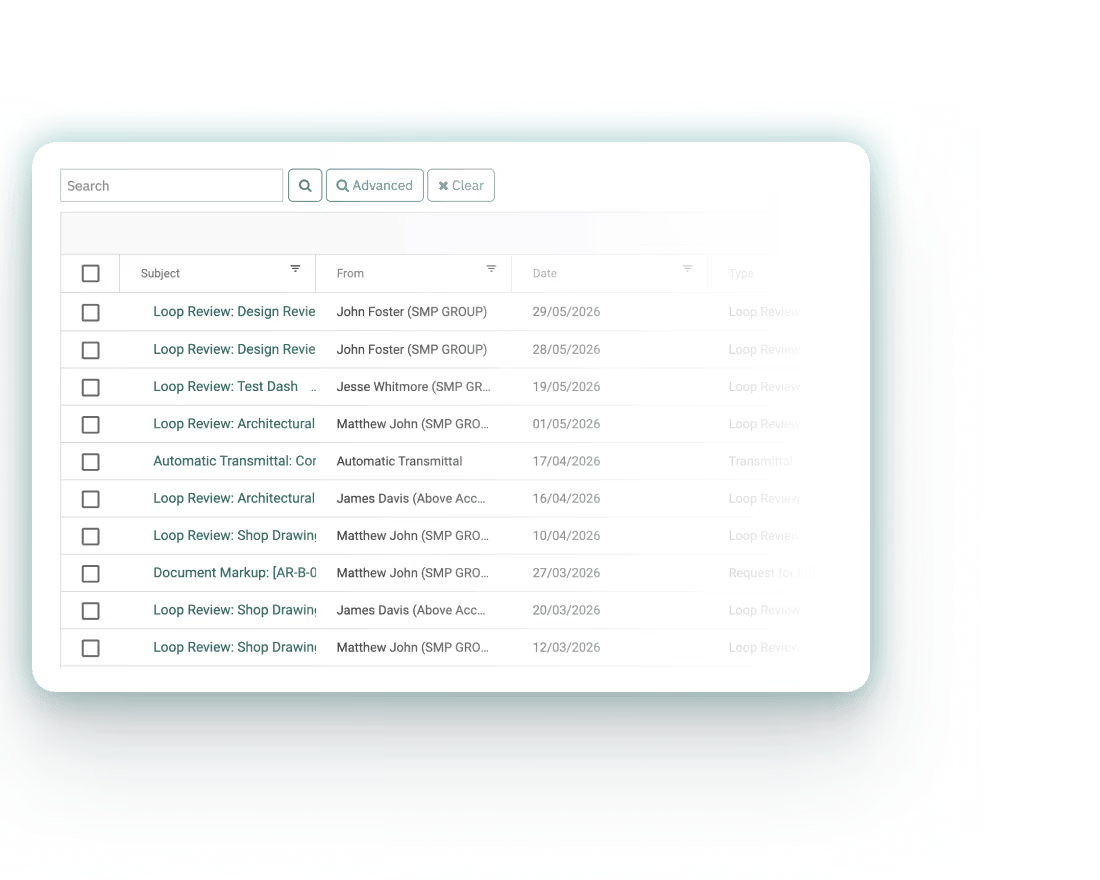
Capture conversations in context as part of the project record, forming a connected history of activity and decisions. Use advanced search to locate specific correspondence and recover critical details quickly.
Send emails as usual, with each exchange captured automatically in the project record and organised into the right thread, without changing existing mail providers.
Track RFIs from the moment they're raised, with clear ownership, deadlines, and a complete history. Nothing sits idle, nothing gets lost, and every outcome remains visible through to final resolution.

Tendering
Capture every submission, query, and update in a single location, keeping the entire tender process clear and transparent.
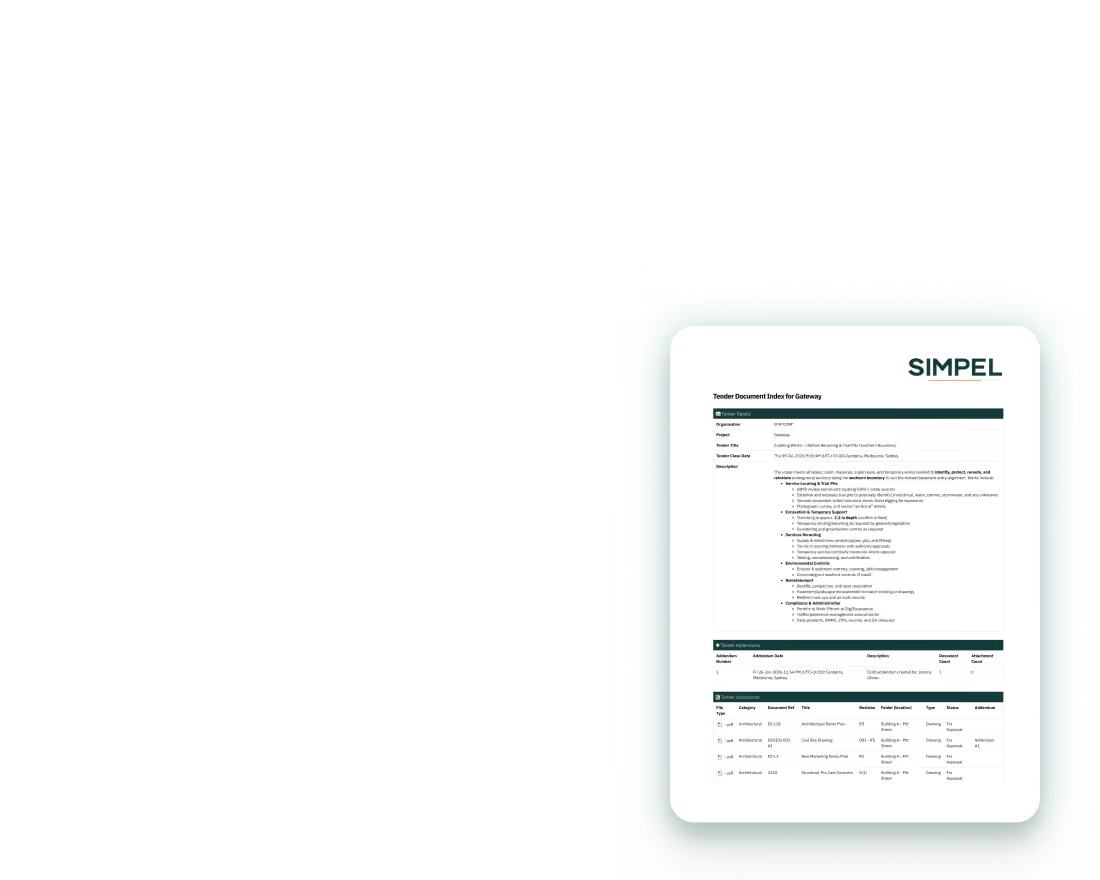
Work from a defined, consistent scope, with all documents and updates reflected within the register, leaving no ambiguity over inclusions or intent and no disconnect between what's issued and what's priced.
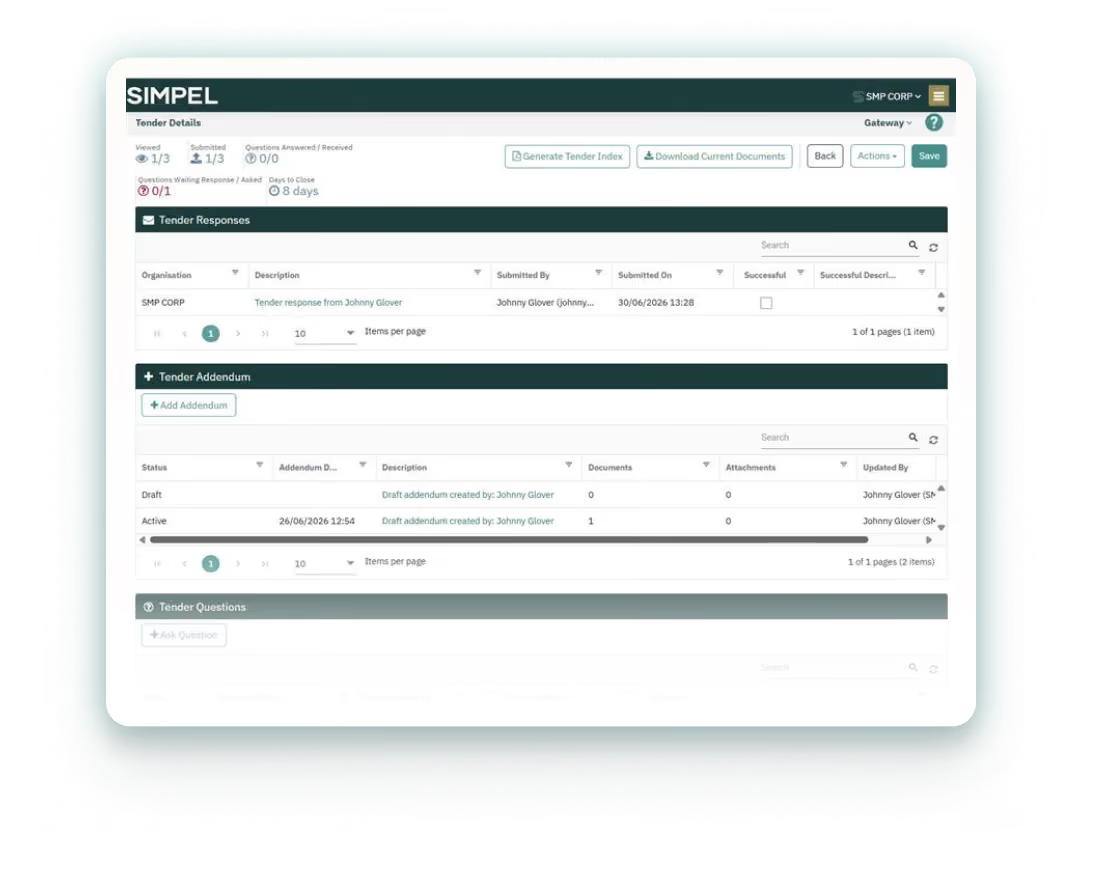
Handle addendums without disrupting the tender process or duplicating work, keeping revised documents, clarifications, and bidder submissions organised as scope changes.
Track tender packages, addendums, and submissions, keeping issued documents, bidder responses, and outstanding replies visible without chasing emails or piecing it together manually.
EOT/Variations Registers
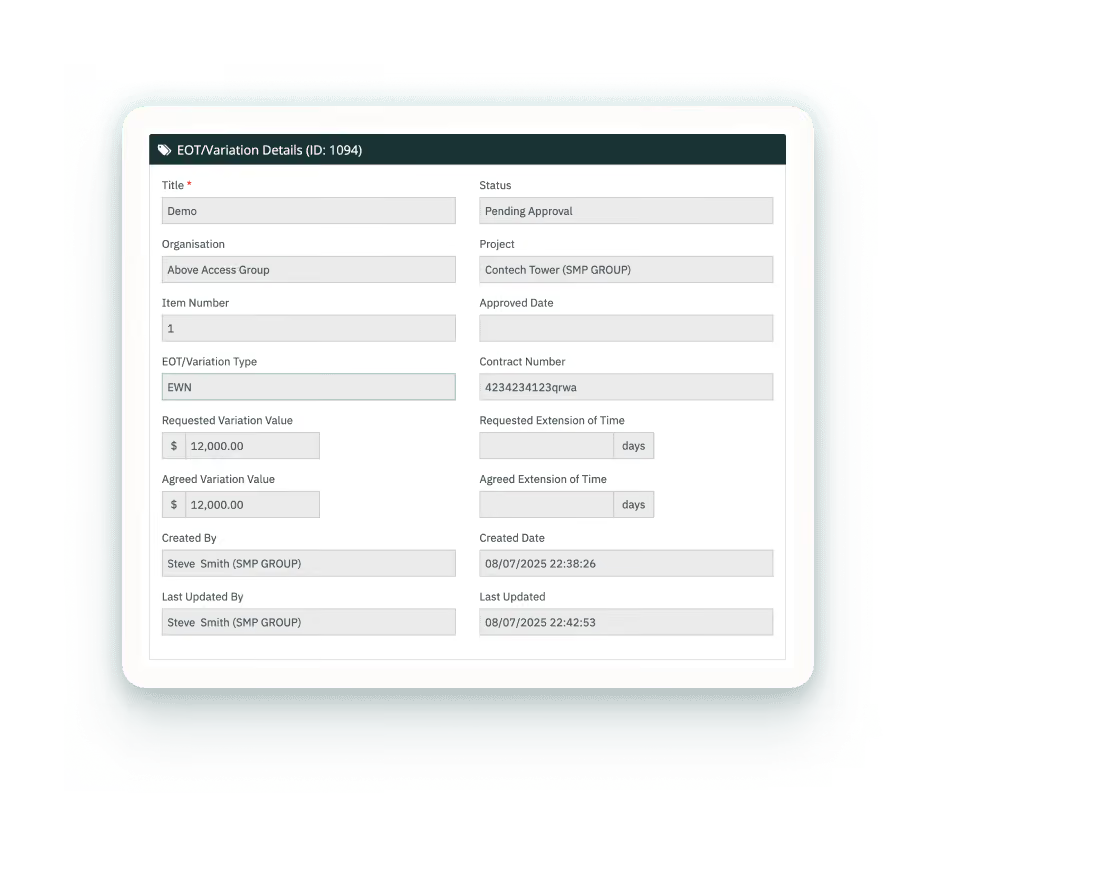
Drive accountability and manage extensions of time and variations with complete data provenance across every document and email from issue through approval.
Group correspondence, documentation, reviews, and decisions directly against each EOT or variation so supporting context remains accessible when claims are assessed, priced, negotiated, or disputed.
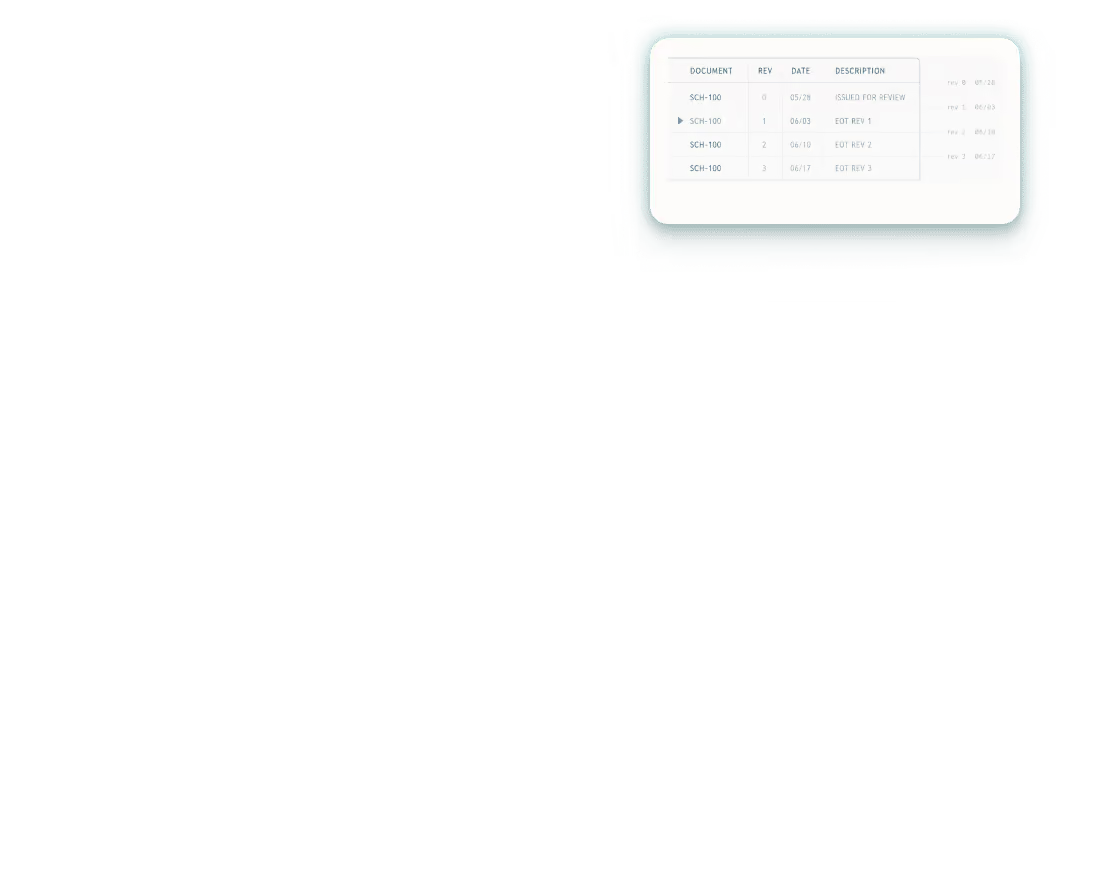
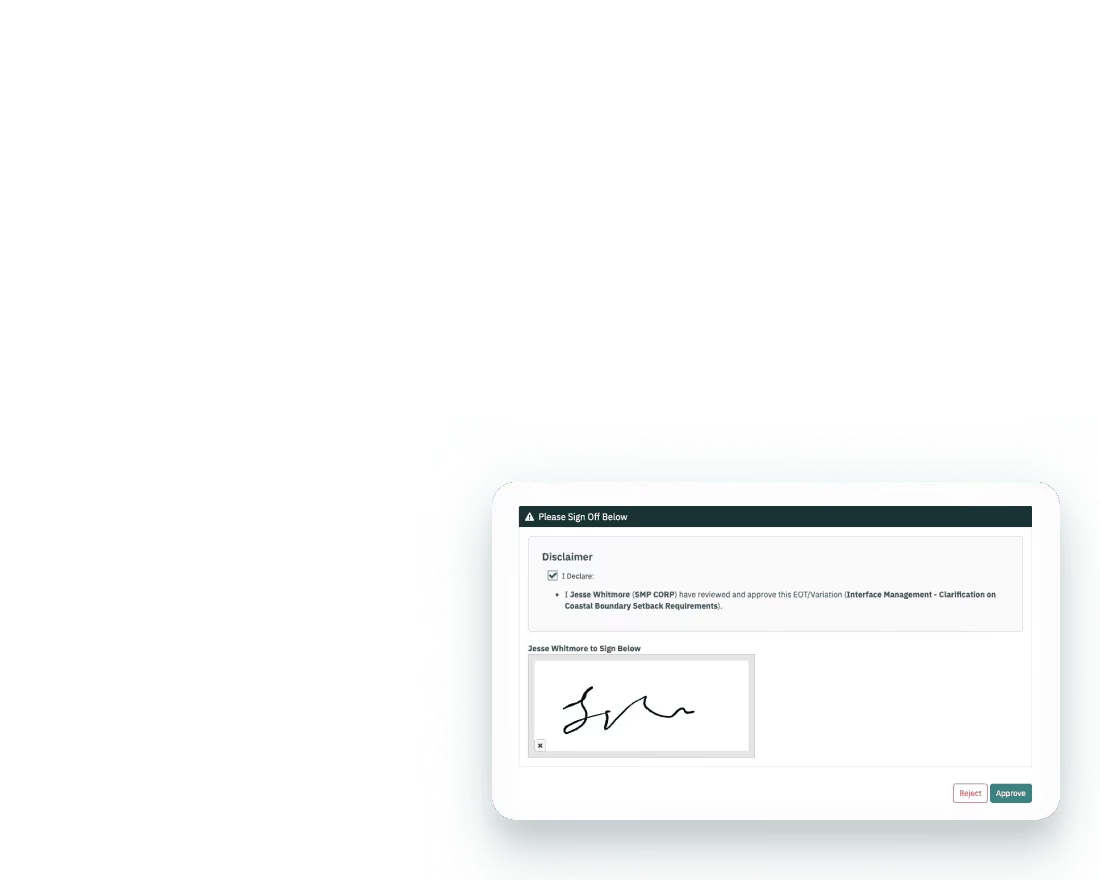
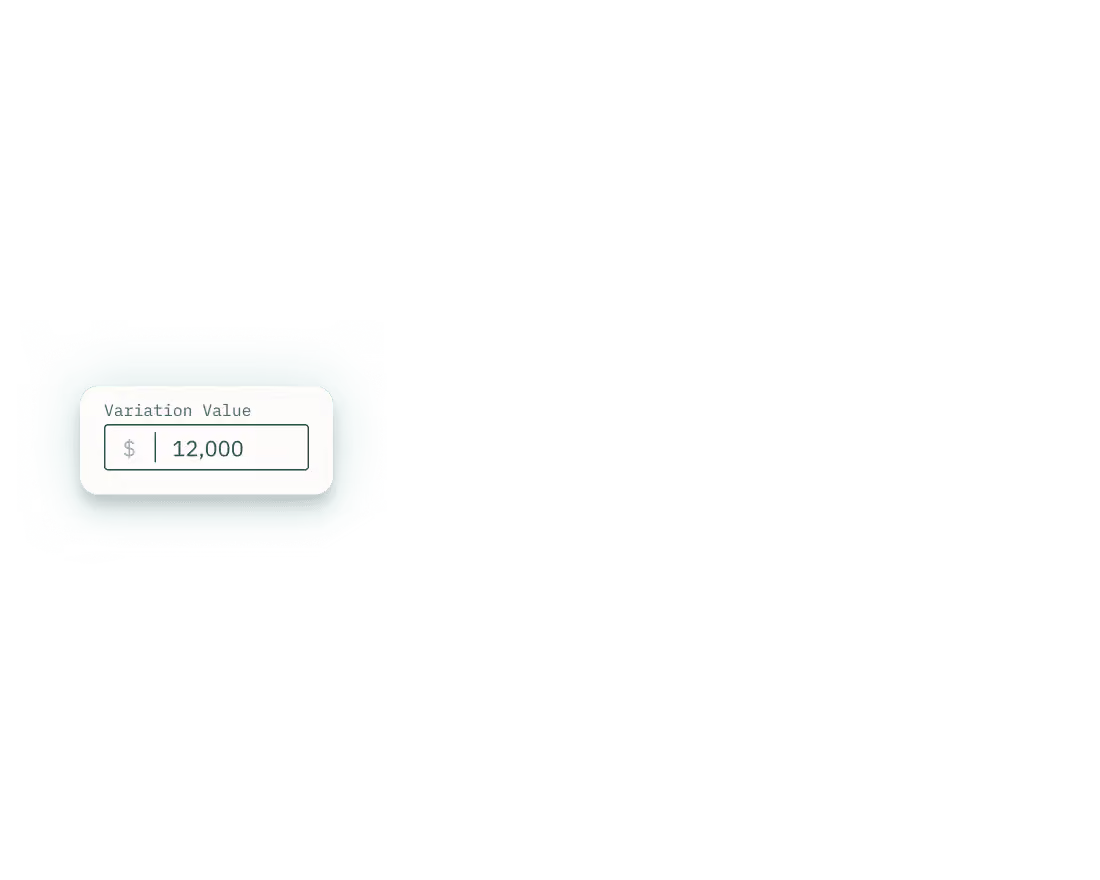
Capture submitted values, time impacts, revisions, and approvals against each change, providing a defensible record of how commercial positions evolved and how outcomes were reached.
Preserve a connected record of every EOT or variation, ensuring supporting information, workflow activity, and change history remain traceable as matters progress toward resolution.
Information Delivery Plans
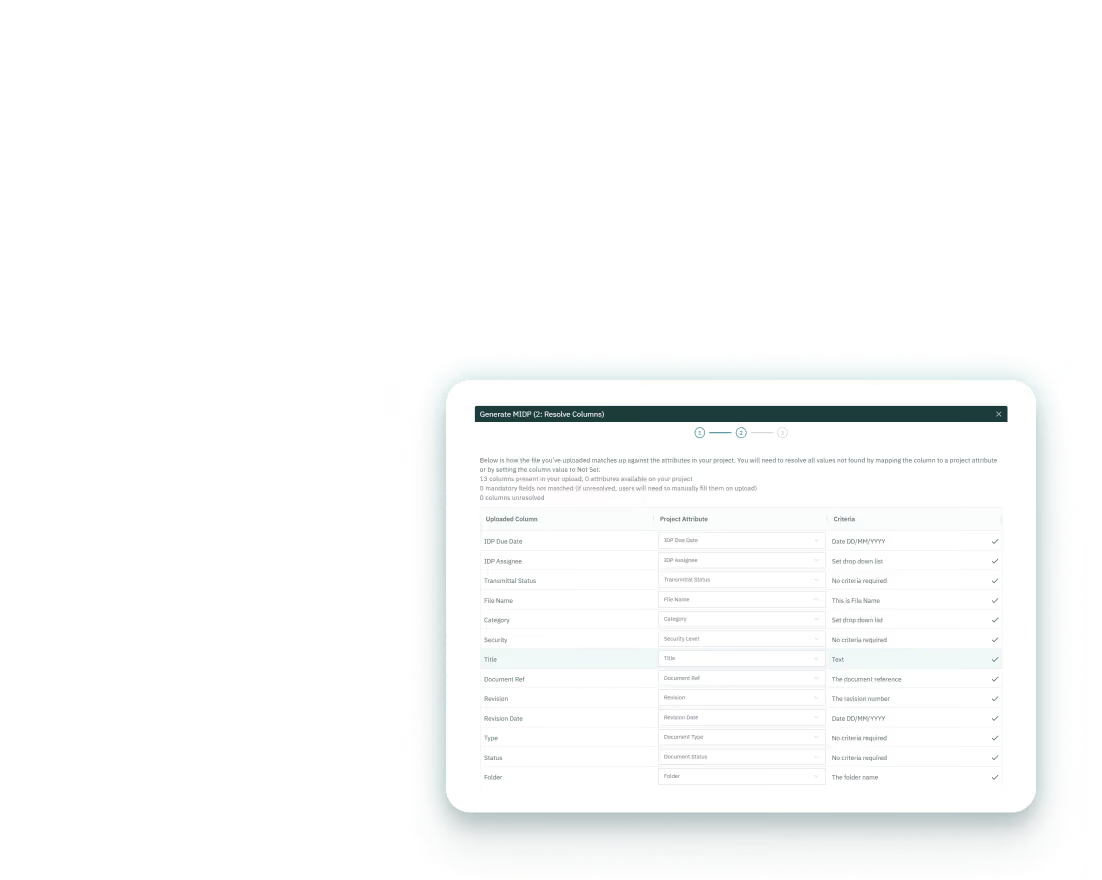
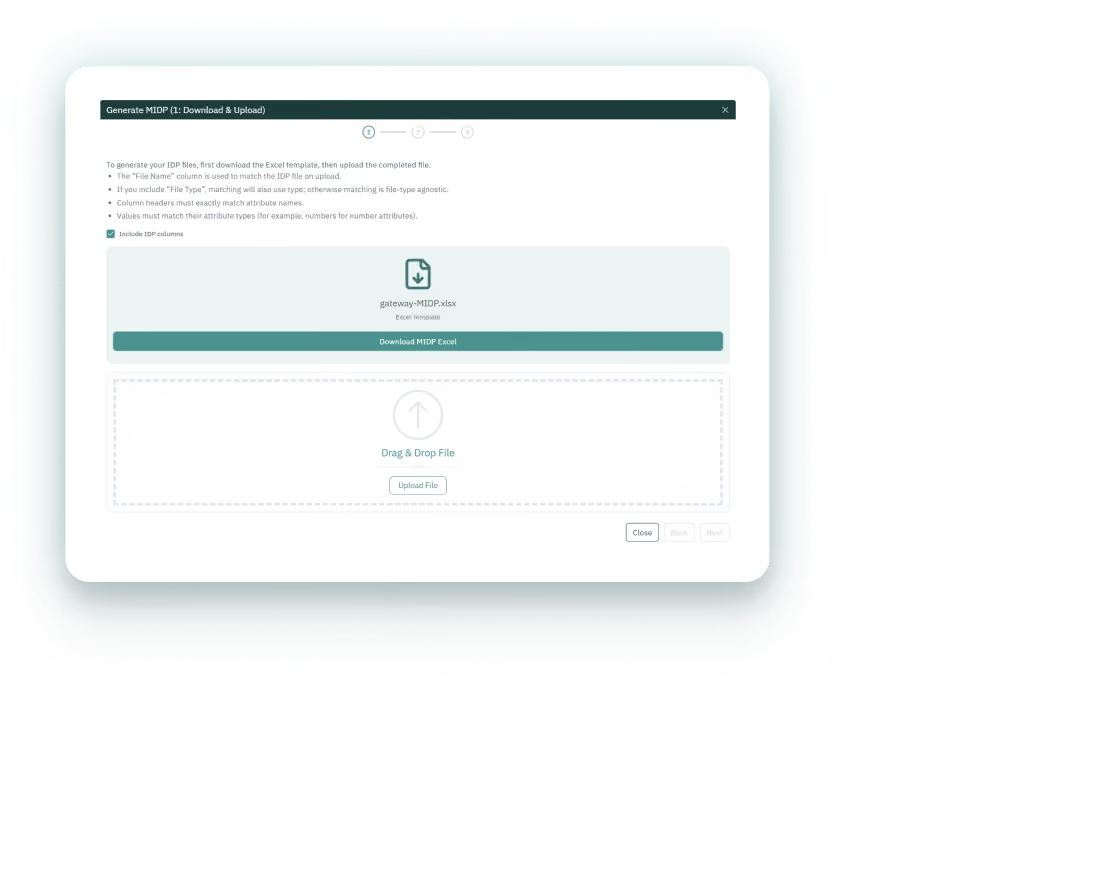
Direct how documentation is programmed, submitted, and reviewed, with ownership assigned and workflows predefined before first upload.
Enforce required fields, naming conventions, and review pathways before submission, preventing incomplete information and ensuring documents follow the correct approval process.
Assign submission responsibility directly to the relevant company or individual, keeping accountability established from the outset and reducing uncertainty around who owns each deliverable.
Return cancelled or rejected documents directly back into the IDP, preserving the full submission history and ensuring tasks remain visible and ready for resubmission.
QR Docs
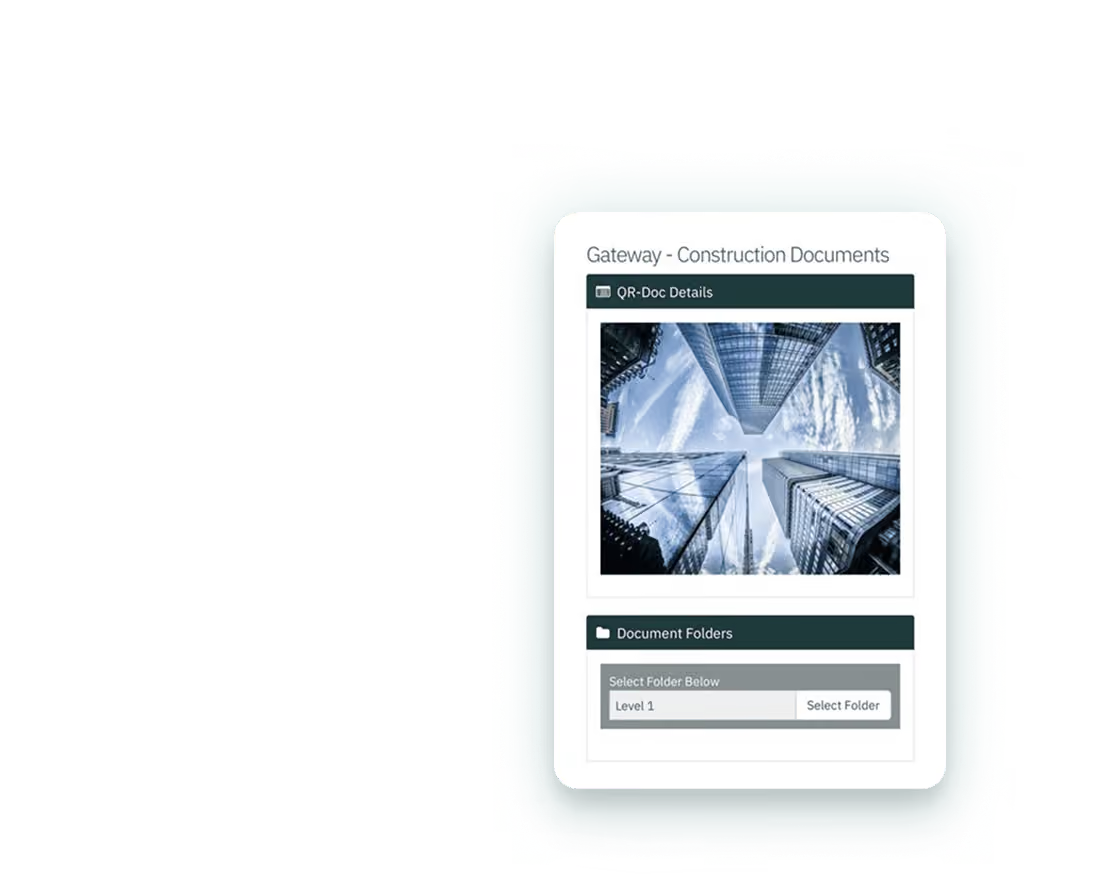
Bridge the gap between design and build with instant onsite access to drawings and documents via a QR scan with no login required.
Scan a QR code to access the current version of each drawing or document, with superseded files updated automatically to ensure site activity aligns with the latest issued information.
Access drawings and documents instantly through a QR scan, without requiring accounts, logins, permissions, or manual distribution. Workers, visitors, and assessors get the information they need as soon as they arrive on site.
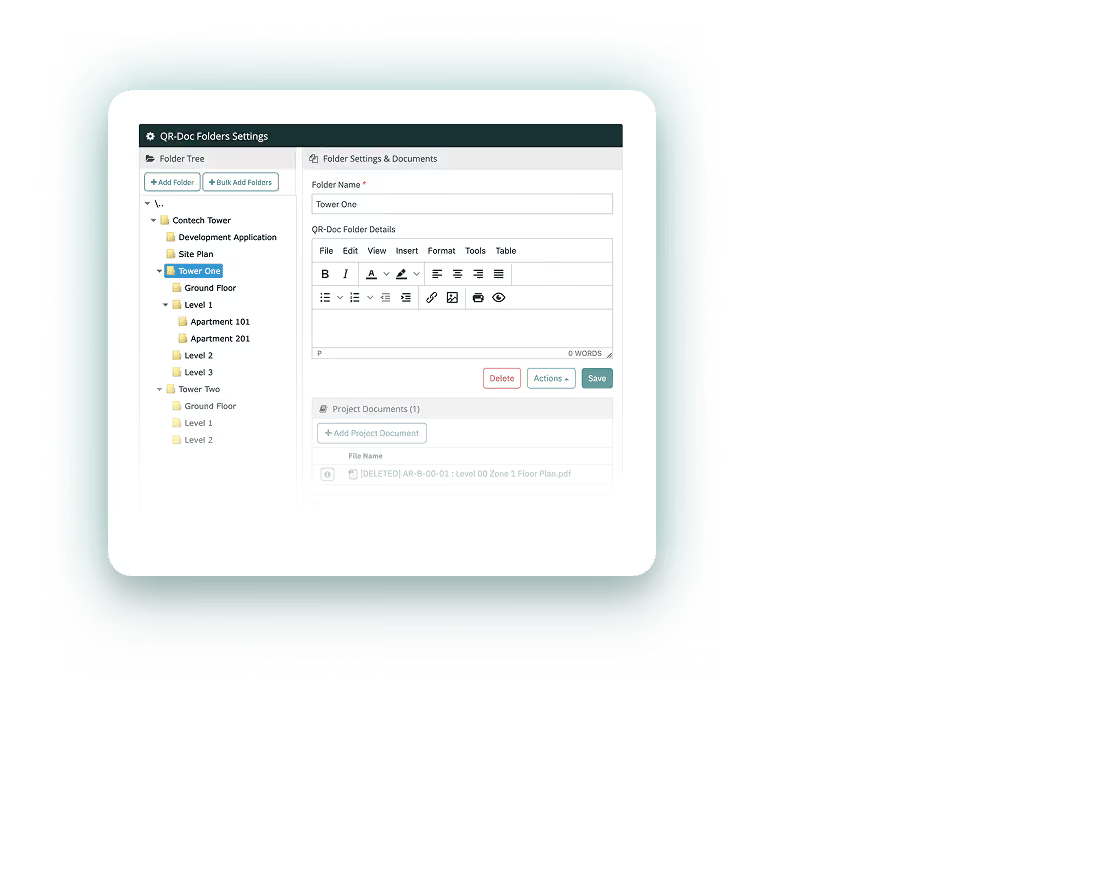
Generate QR codes for folders or subfolders within the document structure, allowing specific site areas to link directly to the exact drawings and documents required for that location or scope of work.


Workflows
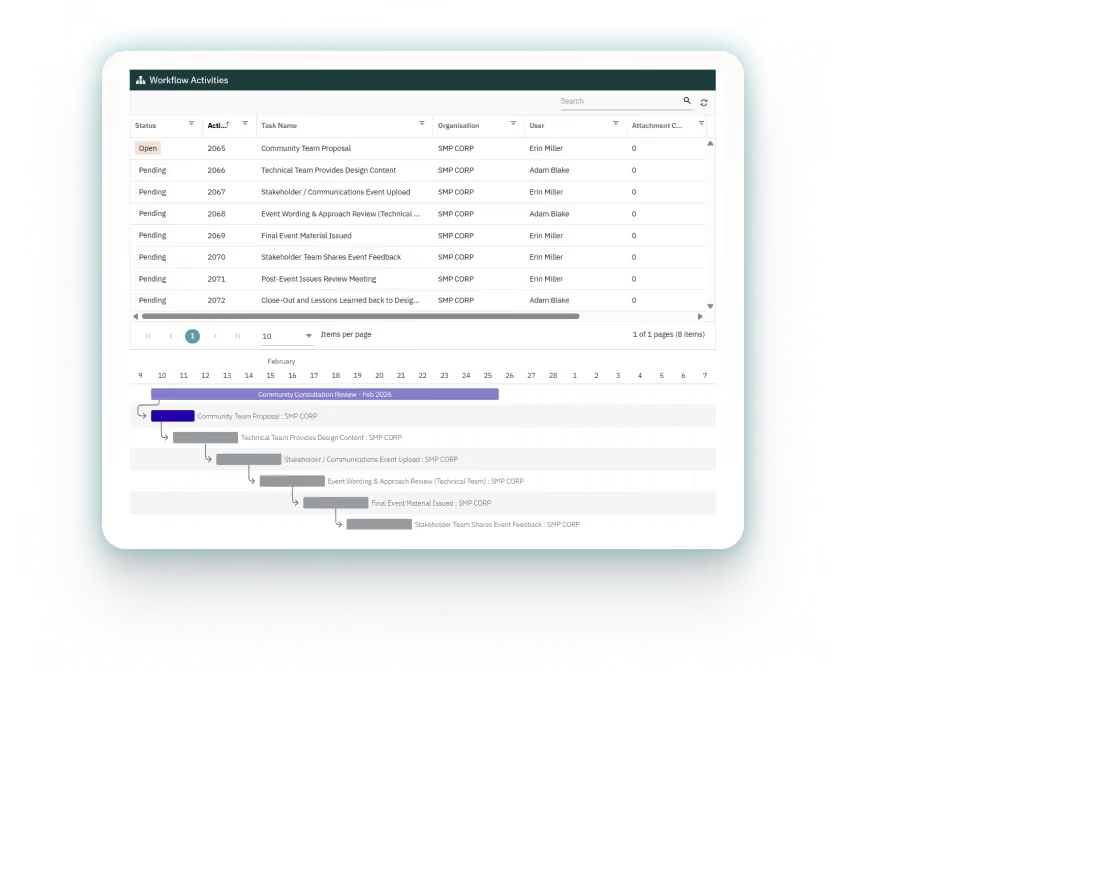
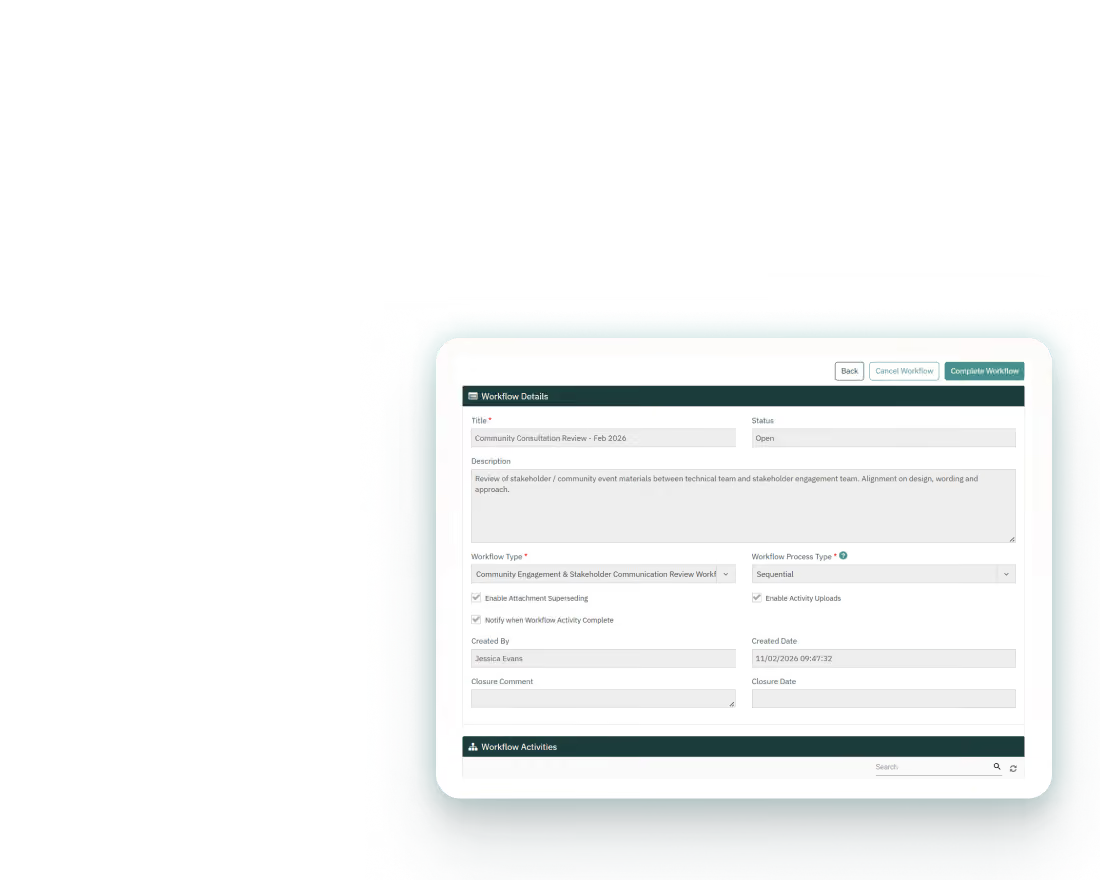
Control the review and approval of shop drawings, sample approvals, and contracts via sequential or parallel workflows, with nothing left untracked.
Guide tasks through a defined path, whether sequential or parallel, with each stage completed before the next begins, ensuring every requirement is addressed and compliance remains intact.
Assign the right people to the right tasks at the right time, ensuring responsibility remains clearly defined at every stage. Accountability is built in, deadlines stay visible, and progress moves forward through clarity and direction.
Link forms, tasks, and supporting files within the same workflow, with actions sitting alongside the work that drives them and information remaining connected in context.
Photos
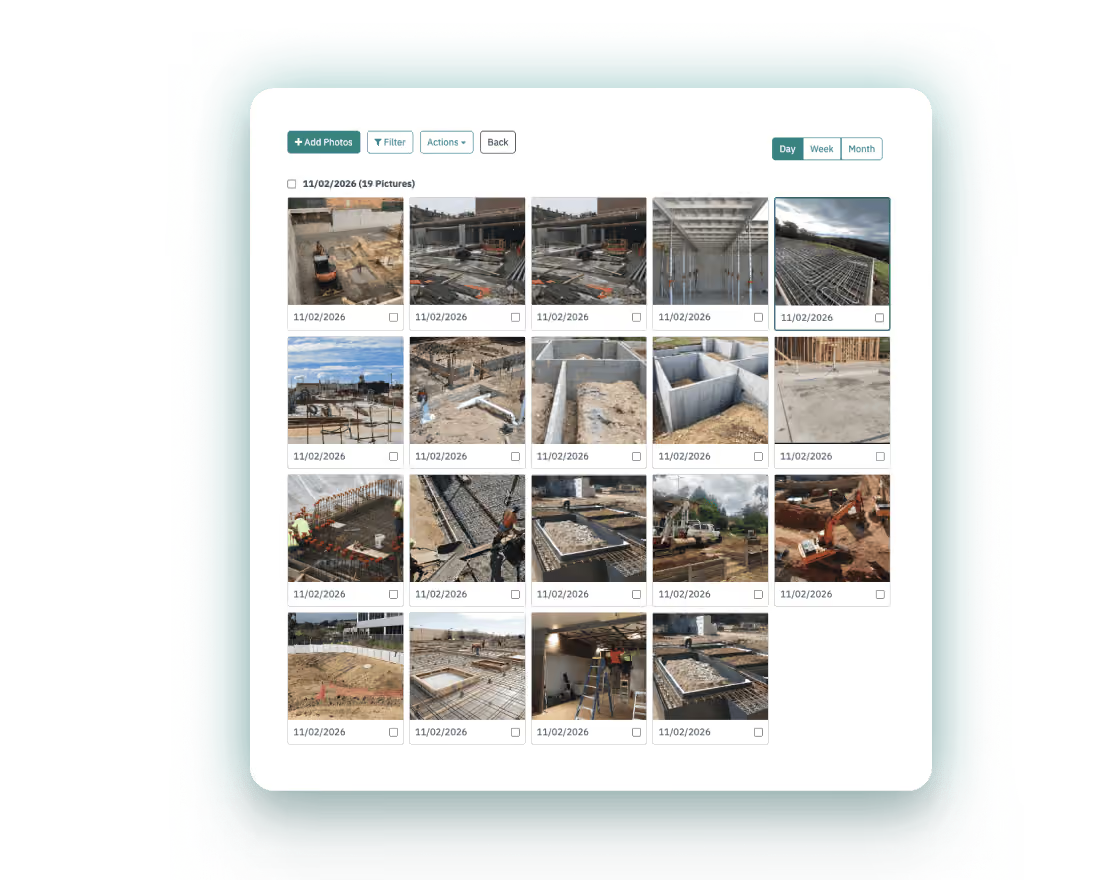
Upload photos directly from personal dashboards, making it easy to contribute to a central visual library of project progress.
Submit photos directly from personal dashboards, making site updates fast and easy to upload while creating a continuous visual record of progress, conditions, and key events.
Collect descriptions, timestamps, and uploader details for each photo automatically, preserving the context behind every image and strengthening the integrity of the project record.
Share photos externally with controlled access and expiry settings while retaining them within the central library, providing oversight of what's been sent and who it has been shared with.