Advanced Search Tool for Mail
SIMPEL launches Advanced Search tool for mailbox. Here's a productivity tool you will use everyday! Locate emails, attachments and documents in your mail within seconds!
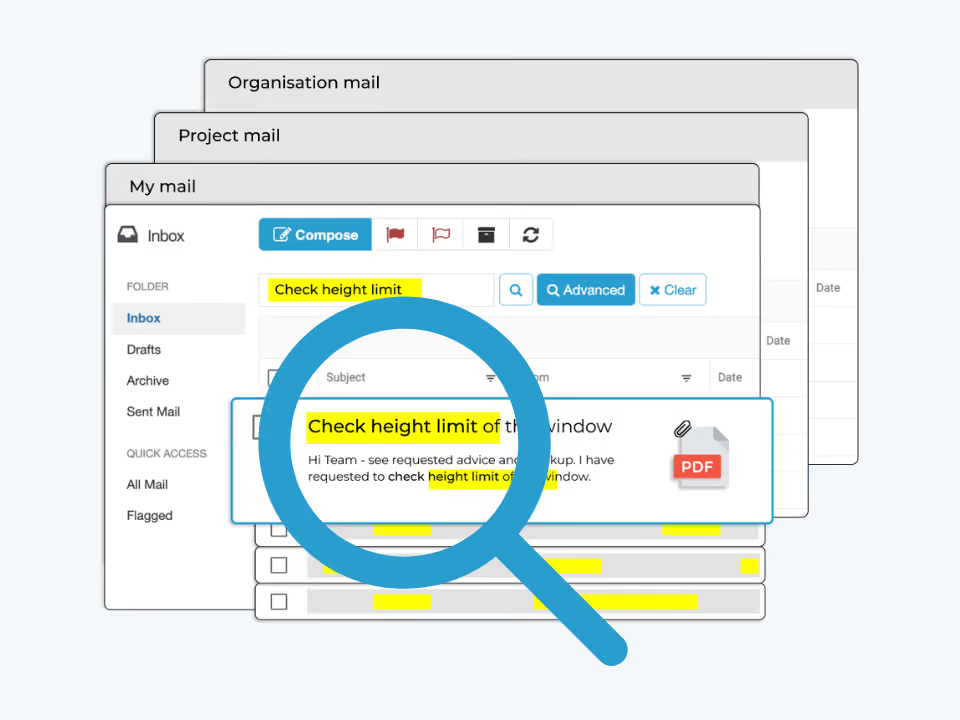
Struggling to find that RFI or revised drawing buried amongst thousands of emails? Our Simpel Essentials functionality pack just got an upgrade with our new Advanced Search tool. This new mail feature delivers hypersearch powers to your fingertips - helping you find anything that has been sent/received through your mailbox fast!!
Here's how it works
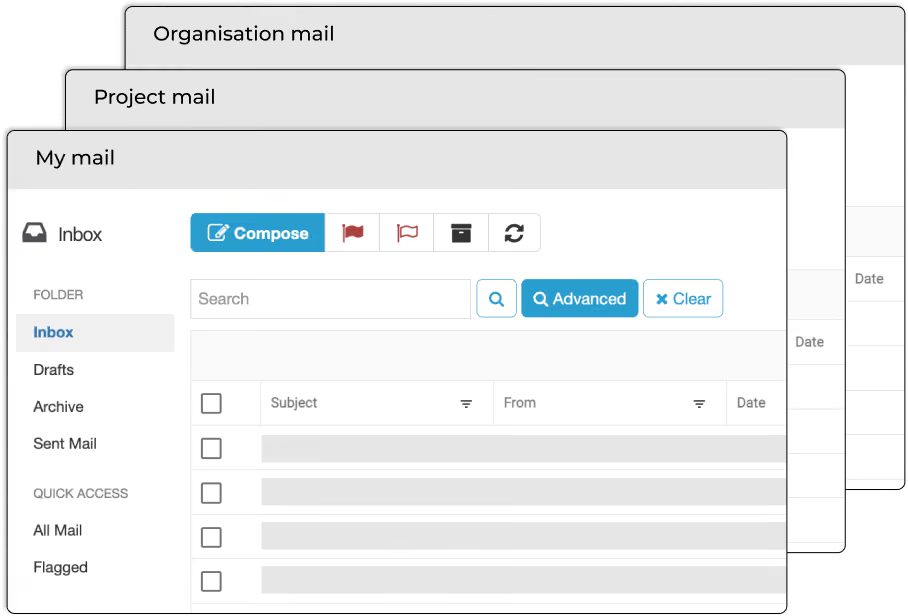
1. Unleash Advanced Search to every corner of your mailbox
Perform a keyword search of the following parameters:
- Message type (e.g. mail, RFIs and transmittals)
- Email body content
- Documents
- Attachments
- Linkedin messages (e.g. those linked to EOT/Variations)
- Drawing collaborations (including internal content)
-
3. Filter across a range of parameters
For more specific searches, the Advanced Search filter provides the option to:
- Search all words/exact phrase/any words
- Search for specific threads or IDs
- Filter by Message type
- From/To date
- Search within emails only or attachments only
You can even search within zip files!
Streamline your day-to-day operations and get your time back
Farewell to endlessly scanning emails and combing through files and walls of text. This is the number one productivity tool your team will use everyday!

Sign up to Simpel's Newsletter
A quick read with our latest news, blogs, recent software releases, and big company updates