
Ebony Middleton | Published on 19 February 2026
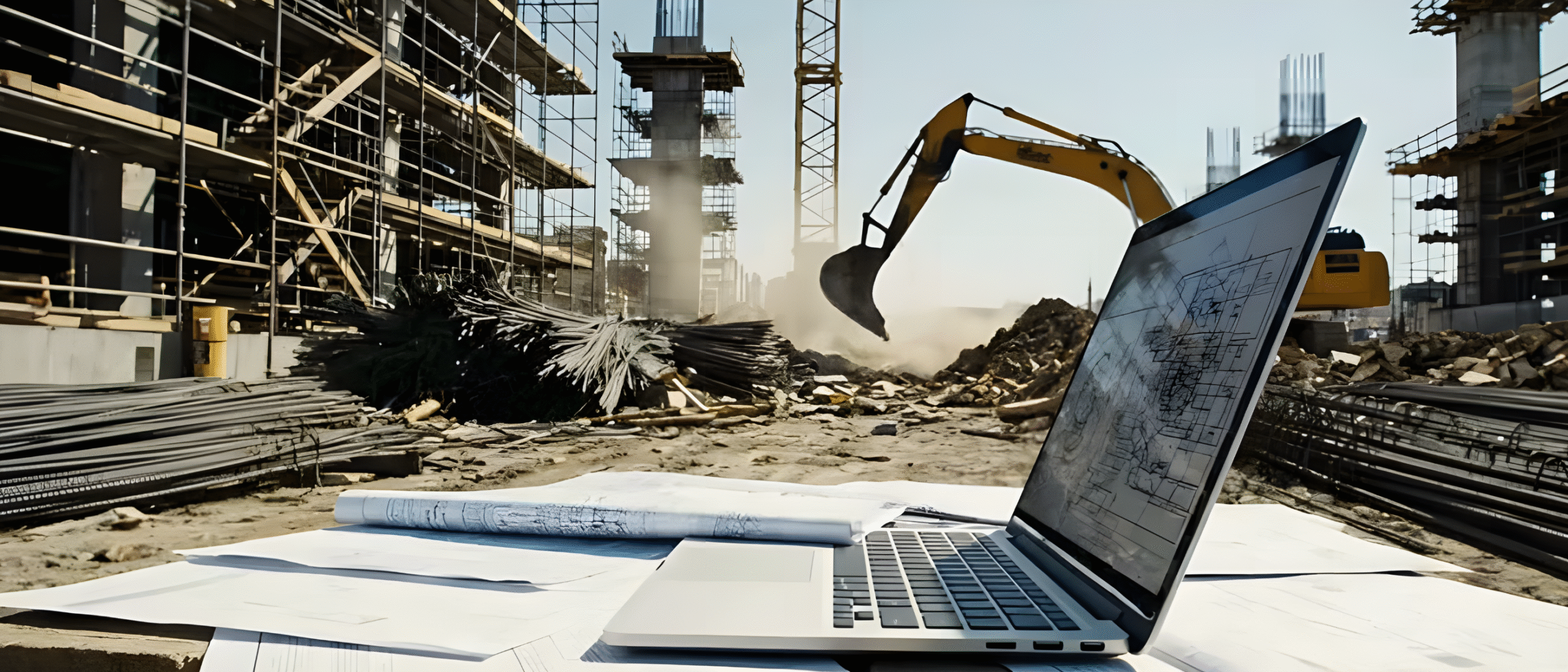
Construction document management software isn’t for storage alone. Its role is to ensure information travels seamlessly between people and the project.
On any job, documents rarely follow a straight path. Every drawing, specification, approval, and revision moves through multiple hands long before it reaches site. Some are reviewed quickly, others change direction, and many resurface months later when questions are raised or details need to be confirmed.
That’s why modern construction document management software has become less about where files live and more about how information is introduced, collaborated on, and managed as projects evolve.
Documentation misalignment is rarely obvious until work is underway
On site, documentation disputes do occur from missing files, but more often, they come from a lack of visibility and consistency.
When document sharing and reviews take place across multiple tools and channels, the status and progress is near impossible to keep track of. Standards are harder to enforce, ownership becomes unclear, and context can drift as files are revised and reissued.
Over time, confidence erodes and the impact is usually visible in areas like:
- Budget Bloating: Budget overruns caused by rework, incorrect quantities, or late design clarifications.
- Construction Delays: Delays when teams pause work to confirm the right information.
- On-Site Rework: Costly rework on site due to outdated drawings or superseded details being used.
- Variation Claims: Increased variation claims when scope changes aren’t clearly tracked or communicated.
- Team Disputes: Disputes between teams over responsibility, approvals, or which version was issued.
- Loss of Trust in Documentation: Loss of trust in documentation leading teams to double-check, print, or bypass systems entirely.
These aren’t people problems. They’re process problems, created when systems capture files, but don’t unify the entire documentation process.
Document management software should take on responsibility
Construction document management software should take responsibility for how information is prepared before it’s shared, how it moves while work is underway, and how it holds up when it’s revisited later. After all, documents aren’t only used once. They’re checked, referenced, questioned, and relied on at different points in time, sometimes by people who weren’t involved when they were first created.
That places a clear responsibility on the software itself. It needs to facilitate smooth handover between contributors, orchestrate how work moves forward, and preserve an audit trail over time.
At a minimum software should be responsible for:
- Document Attributes: Ensuring new documents meet project standards before they enter circulation.
- Review Visibility & Record: Full visibility of review activity as it happens, with a complete, traceable record retained over time.
- Document Advancement Controls: Clear rules governing when documents can progress, be issued, or withheld.
- Submission Handling: The handling of incomplete, rejected, or superseded items within active submissions.
- Format & Version Relationships: The relationship between different formats and versions of the same document.
These capabilities are not optional enhancements. They're the controls that determine whether a process holds together or unravels under pressure.
Construction Document Management Software
Key functionality to look for in your next system
1. A live, single-screen view of review status

2. Approval pathways that hold up under deadline pressure
3. Upload structure that sets the standard from the start

4. Configurable attributes that reflect how projects actually run
7. Markup and collaboration that live with the document
8. Personal staging that leverages the latest technology
9. Reliable access to the current set onsite

10. Documents that are natively connected to other project processes
Not all document systems are built equal
Construction document management software should ensure every upload is structured and secure, building a thread that connects people, documents, and outcomes. That’s exactly what Simpel’s Document Management 2.0 does.
Support every stage of delivery with documentation that’s always current, traceable, and easy to act on.
Ready to build with confidence, not crossed fingers? Book a demo now.
Frequently Asked Questions

Sign up to Simpel's Newsletter
A quick read with our latest news, blogs, recent software releases, and big company updates